



 |
MyPoint PowerPoint Presentation Pro - Getting started: |
| Download, install and launch MyPoint Connector on your Mac |  |
| After a successful launch the MyPoint Connector icon will be displayed in the Dock (or in the status bar for MyPoint Connector version >= 2.4) |  |
| Select the MyPoint Connector menu to display the address | 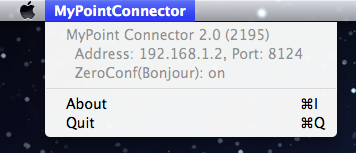 |
| Launch MyPoint PowerPoint Presentation Pro on your iPhone/iPod/iPad and tap on the Pen |  |
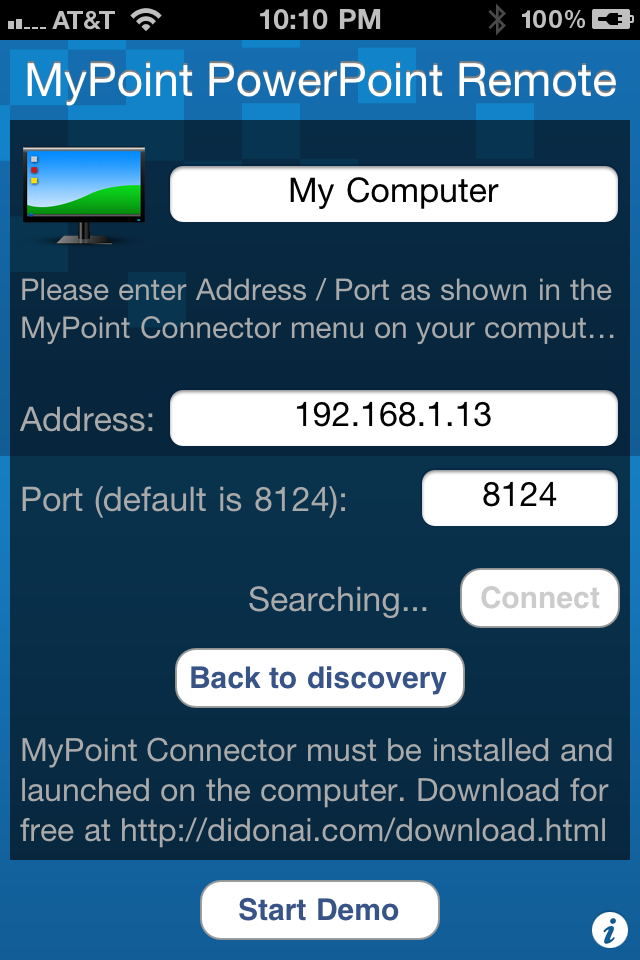
| Enter the address as shown in the MyPoint Connector menu on your PC: Once your computer is found tap on the connect button. |
 |